
What Should a Listing Marketing Package Include?
Compare listing marketing packages by deliverables, photo inputs, formats, turnaround, and review steps so you know what will be ready for launch.
Listing Lab 360
On this page
A listing marketing package should give you materials you can actually use to introduce a property, explain its features, and direct interested buyers to the next step. Before comparing prices, write down where you plan to share the listing. That makes the package easier to judge than a long menu of vaguely named services.
The right contents depend on the listing and your launch plan. A package for an agent or home seller who needs social posts and a printable handout will look different from a job that needs new photography. Start with the work you need completed, then ask how the provider will deliver it.
Start with the materials you already have
Make an inventory before requesting a quote. Do you have the original photo files, a confirmed property description, an approved price, and the contact details that should appear on the materials? Missing inputs can leave an otherwise finished design waiting for a correction.
Be specific about photography. A package built from existing photos starts with files you supply. An on-site photography service starts with access to the property and an appointment. Ask which starting point the quote assumes so you can plan the work around it.
Keep source images in a separate folder from finished marketing files. That gives you a clean reference when reviewing crops, colors, image order, or any changes you asked an editor to make.
Look for a clear property presentation
A useful package should make the property easy to understand across the places you intend to post it. Consider the following as a comparison checklist, rather than a claim that every provider includes every item.
Photos prepared for their destination
Ask which images will be worked on and what finished files you will receive. A large image for a property page and a crop for a phone screen serve different purposes. Review whether important details remain visible when a horizontal photo becomes a narrower graphic.
Be clear about the editing you want. Adjusting brightness does not solve a missing room photo. If a room is difficult to understand, decide whether you need a different source image before asking someone to design around it.
Social materials with room for the facts
Social graphics should leave space for a readable address, a useful property detail, and a clear next step. Ask about dimensions and whether there are versions suited to the placements you use. A single file may need a different crop before it works in another setting.
Think about the caption too. A graphic with a price on it needs accompanying text that agrees with that price. Assign someone to update both when the listing changes.
A destination for interested buyers
Decide where a person should go after seeing the marketing. It could be an existing listing page or another property destination you already use. Check that the link is easy to share and that the contact information is correct.
If a provider offers a property page, ask what it contains, how you request changes, and how long it stays available. A page that looks finished still needs a working route for an inquiry.
Add video and print where you will use them
If video is part of a proposal, ask what the finished piece shows and how it is made. A presentation assembled from photos and footage captured at the property have different source material. Request an example that matches the service being quoted.
For print, name the item you need. A handout for an open house and a large sign require different layouts. Confirm whether the quote supplies a digital file, physical printing, or both. Also ask who checks the proof and places the print order.
There is little value in receiving a stack of formats you have no plan to use. Choose the pieces that support the listing's actual introduction and showing schedule, then make sure someone owns the publishing step.
Ask how delivery and review work
A deadline is useful when everyone understands what must happen before work begins. Ask which photos and details the provider needs, how they confirm receipt, and where questions will be handled. Send the same approved information to everyone working on the launch.
Find out how corrections are requested. A misspelled street name, a changed price, and a request for a different design are separate kinds of feedback. Ask how each is handled and whether anything changes the quoted scope or timing.
Keep feedback in one list where possible. Review the files together so you can catch a mismatch between the social graphic, the handout, and the property page before publishing any of them.
Compare the full job at the quoted price
Put competing quotes beside the same checklist: inputs, deliverables, formats, review process, delivery time, and publishing responsibilities. If an item is unclear, ask for a plain description. Words such as “complete” do not tell you how many usable files you will receive.
Listing Lab 360 offers a $299 per listing marketing package built from your existing photos, delivered in 48 hours with no shoot day. Code FIRSTLIST50 gives you 50% off your first listing ($149.50). If that fits your starting materials and schedule, you can get started.
Frequently asked questions
Does a listing marketing package include photography?
Check the individual quote. Some services involve a property visit, while others work from photos the agent or home seller already has. Listing Lab 360 uses your existing photos, so you need those files ready.
Should I choose the package with the most deliverables?
Choose by the materials you intend to use and the work they save you. A smaller set of finished files in useful formats can serve your launch better than extra versions that stay in a folder.
What should I check before publishing?
Check the address, price, property facts, contact information, image crops, and destination links. Open the files on a phone as well as a larger screen, and compare each version against the same approved listing details.
Continue reading

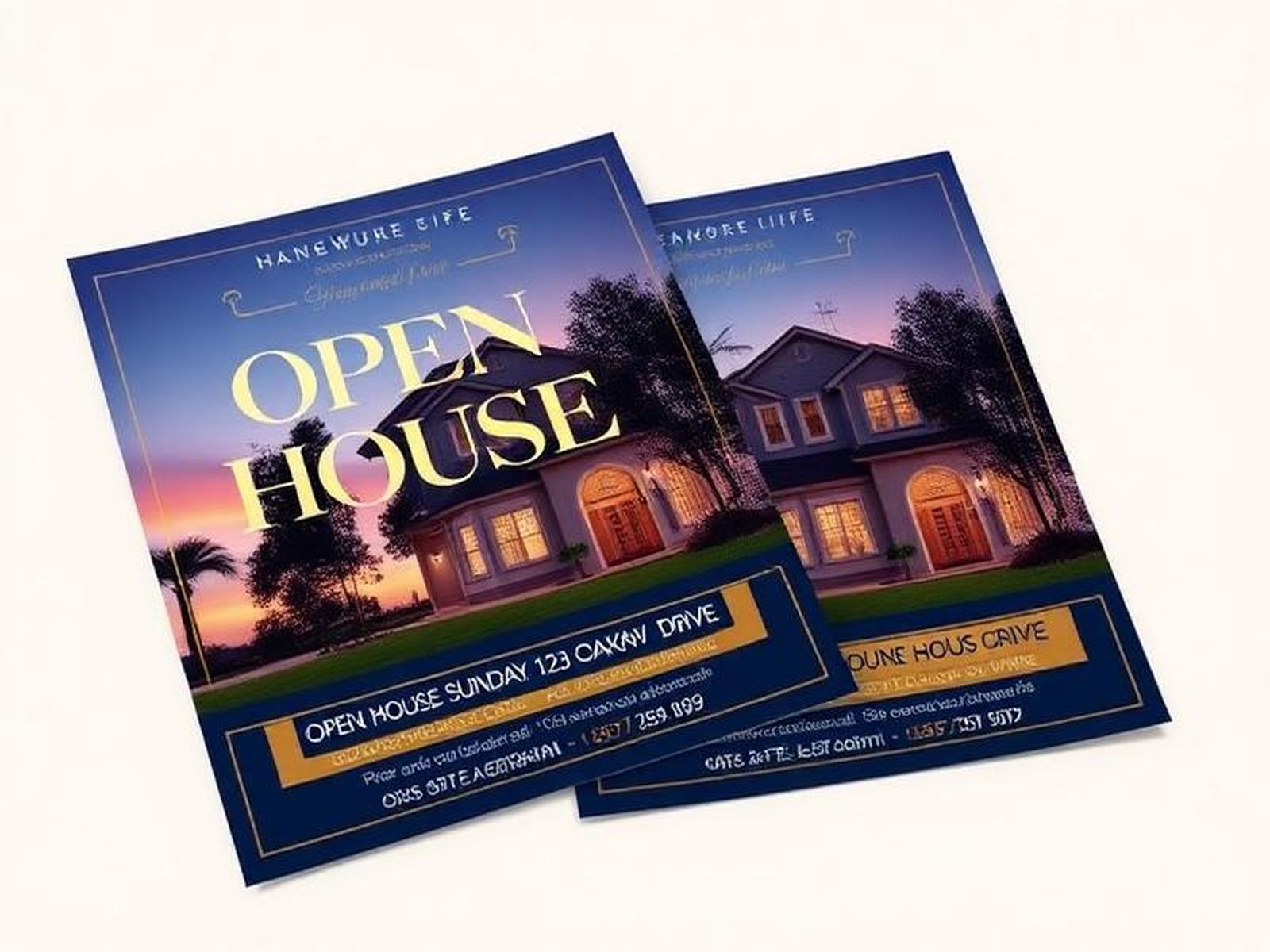
FSBO Marketing: How to Sell Your Home Like a Pro
A practical FSBO marketing plan: photos, video, a property website, social posts, and open house materials that help a for sale by owner home compete.
November 9, 2026 · 5 min read
Listing Launch Checklist for the First 48 Hours
Plan the first 48 hours of a listing launch with a practical checklist for source files, marketing review, publishing, and checking buyer contact paths.
October 23, 2026 · 5 min read

How to Market a Listing Without a Photo Shoot Day
Build a listing marketing plan from existing photos: choose source files, organize property details, plan formats, and review materials before posting.
October 20, 2026 · 5 min read

How Much Does a Real Estate Listing Video Cost?
What agents and home sellers can expect to pay for a listing video, what changes the quote, and when a short walkthrough in a $299 package is enough.
October 17, 2026 · 5 min read
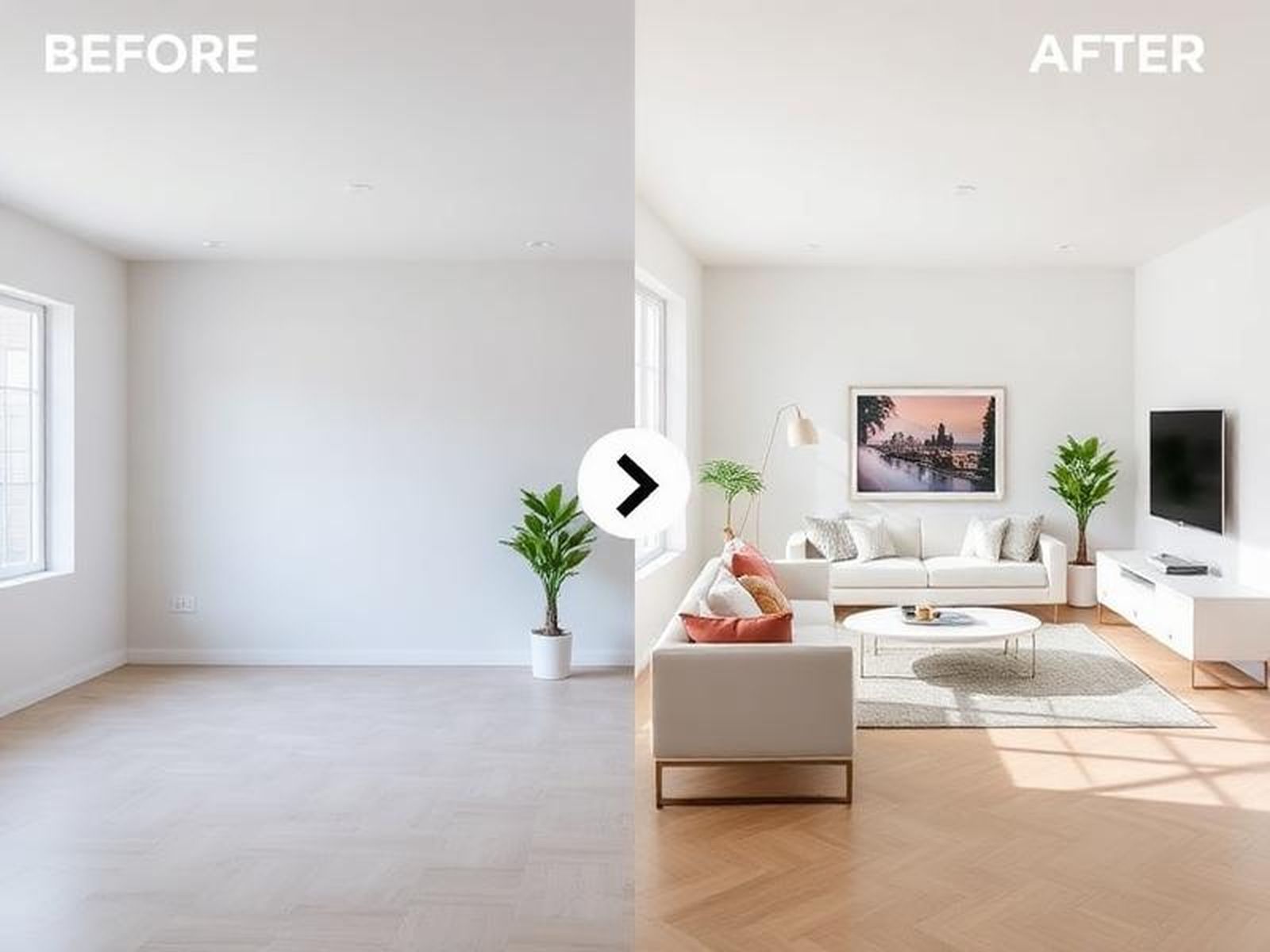
Virtual Staging vs Real Staging: Cost, Pros & Cons
Virtual staging vs real staging compared: cost, what each changes, a before-and-after example, MLS disclosure rules, and when physical staging is the better fit.
October 16, 2026 · 5 min read
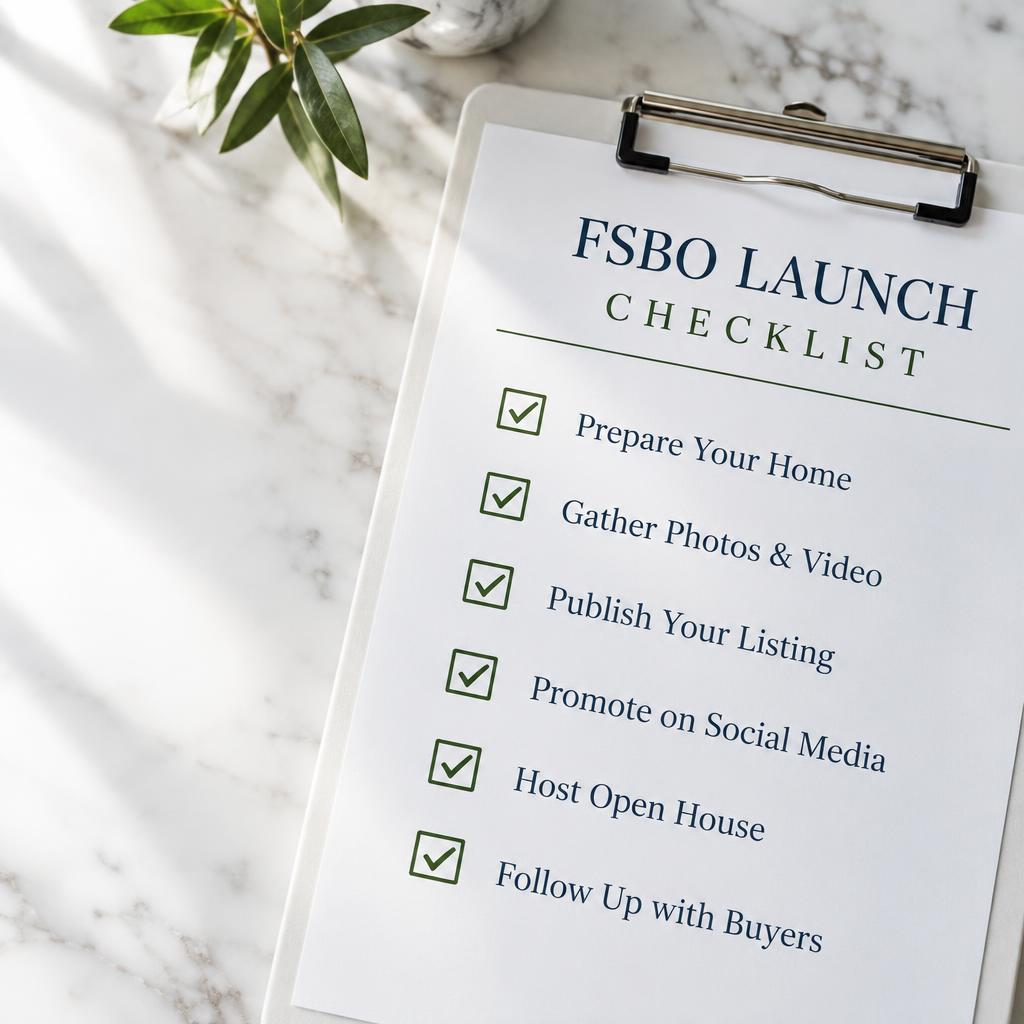
A Listing Marketing Checklist for Agents & Home Sellers
A working checklist for photos, video, social posts, the property page, and open house files before a listing goes live.
October 15, 2026 · 5 min read
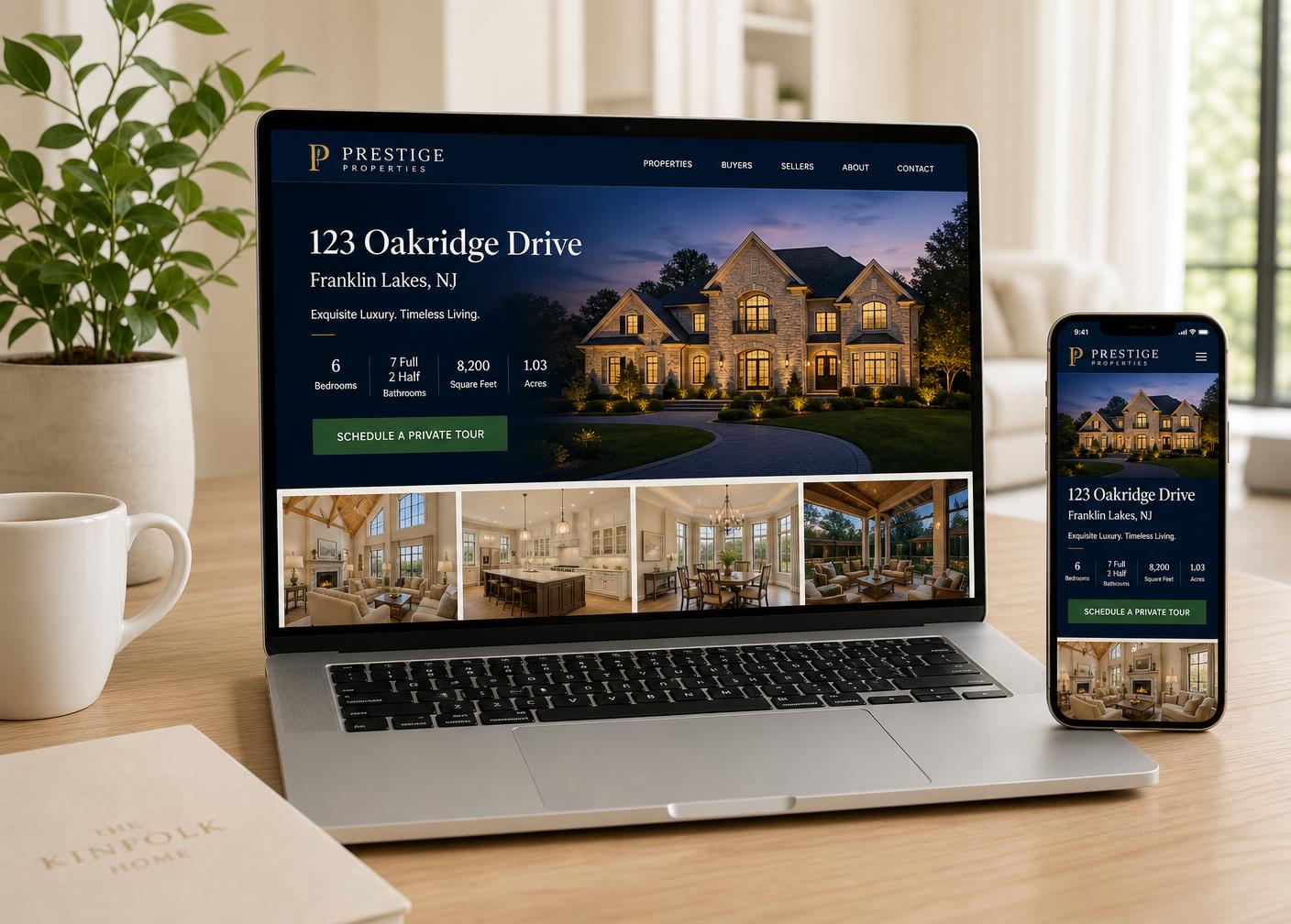
How Fast Can Professional Listing Marketing Be Delivered?
What sets listing marketing turnaround, from the photo calendar to a remote 48-hour package with no shoot day.
October 14, 2026 · 5 min read